
Cross-platform engineer trying to make native app dev as pleasant as web dev
Tokyo-to, Japan
- Tweets 13,958
- Following 848
- Followers 5,925
- Likes 28,085



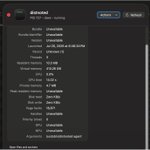






The order in which I implemented this PR was a bit odd. I originally went hunting for the bug in React Native macOS, then @SaadNajmi mentioned that it would make sense to upsteam (as indeed, iOS had the same issue – it's just that allocating windows is less expensive in UIKit).
1
4
591
When I say allocating a new window "is very expensive in React Native macOS" (AppKit, really), I mean the thread-blocking was adding 30 seconds to app launch time on first connection to Metro. Not to mention a memory leak of nearly a hundred NSWindows.
github.com/facebook/react-na…
1
8
621
Just got my first PR to React Native merged 🥳
It solves an issue that was causing the Microsoft Office and Meta Messenger teams to disable RCTDevLoadingView.
On each Metro update, the progress display was allocating a new window, which is very expensive in React Native macOS.
5
2
163
13,168
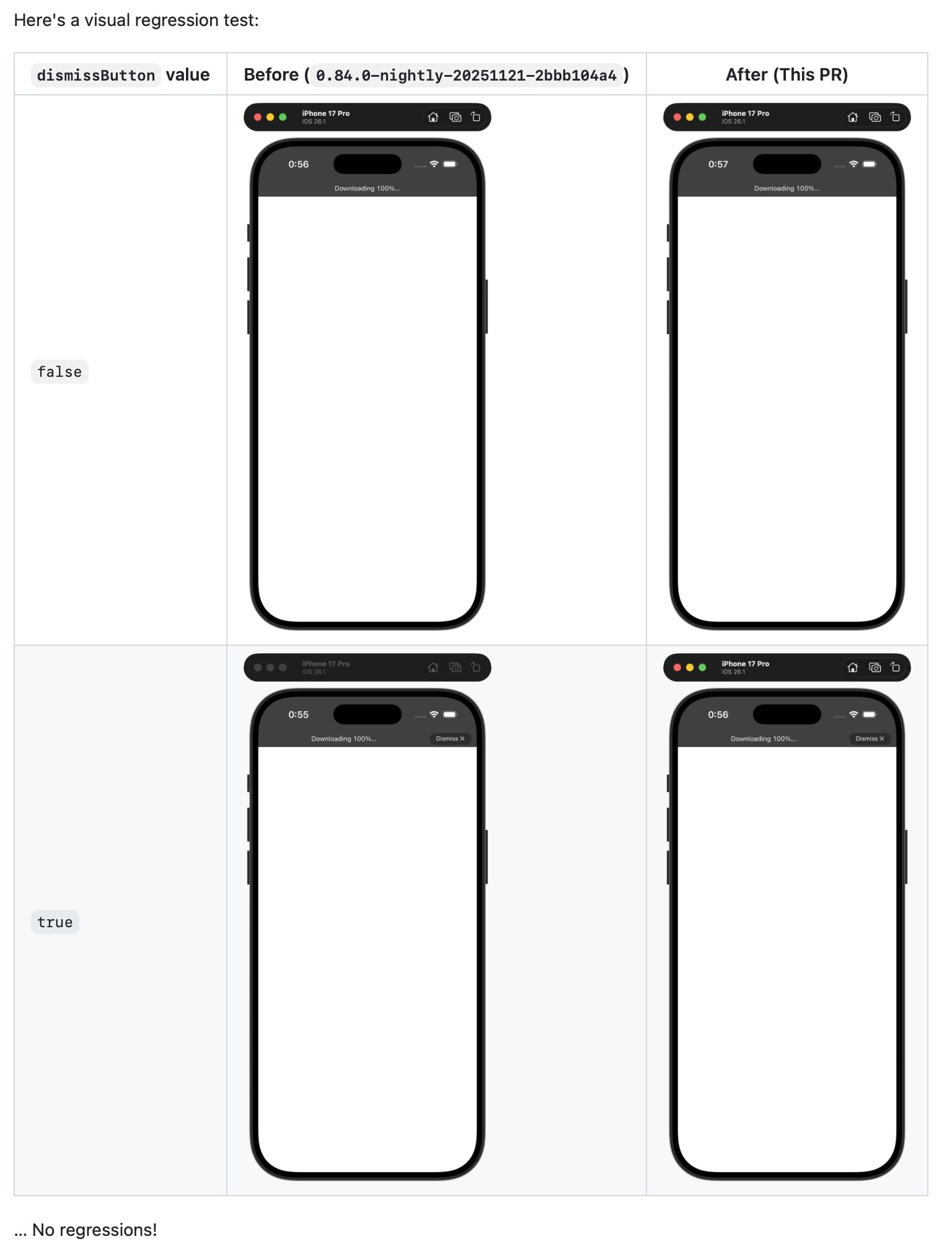
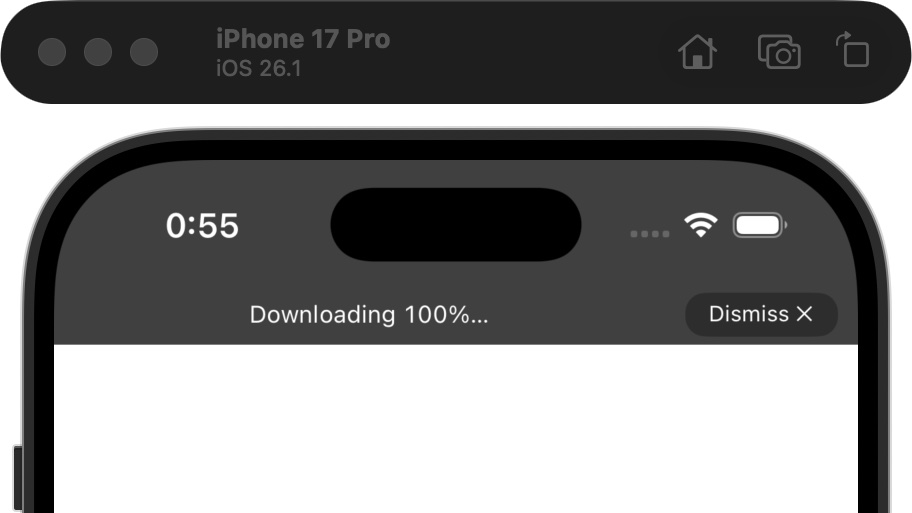
Really want to get my PR into React Native core merged, so I provided a high-effort visual regression table in the PR comments.
7
2
109
11,403

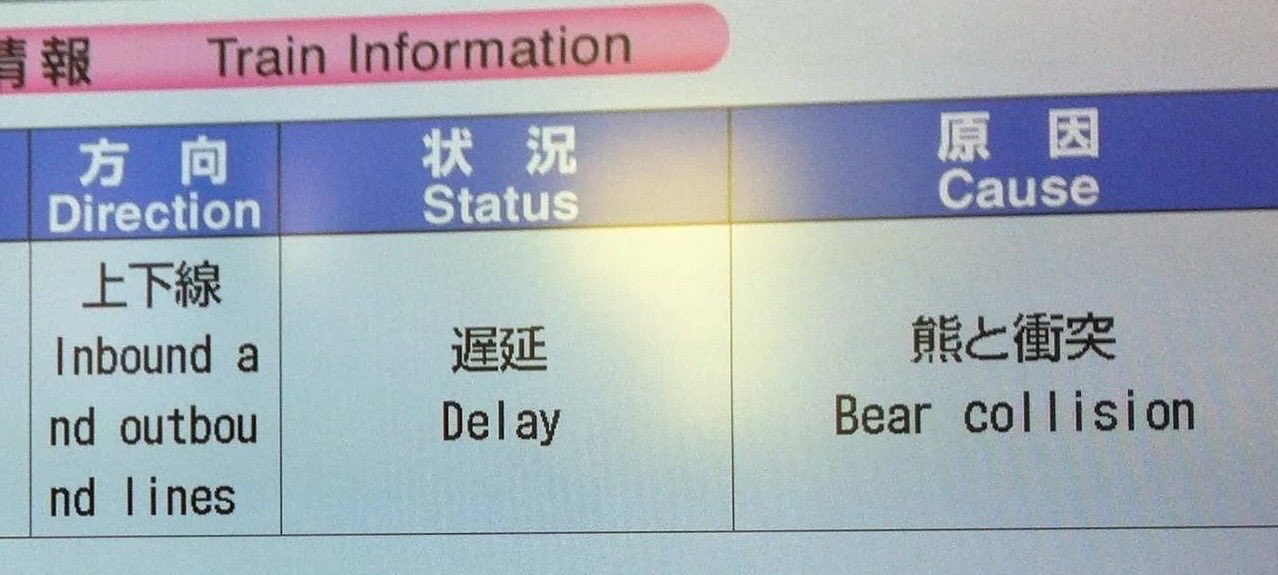

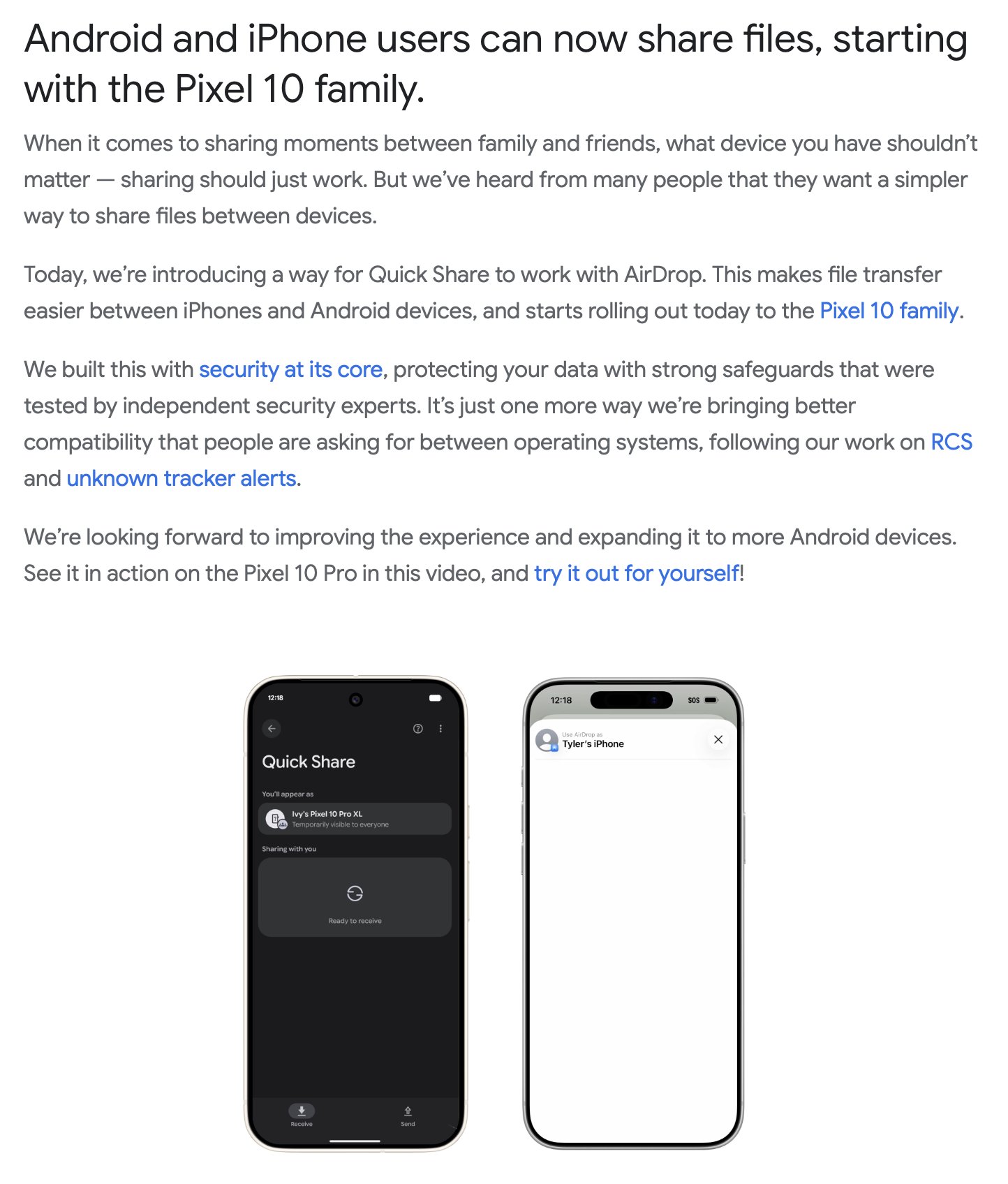
Here's the link. I wonder if there's any chance of Clipboard Sharing… Though I definitely wouldn't get my hopes up for AirPods device-switching.
blog.google/products/android…
348
For a long time, AirDrop was the main reason I stuck with iPhone.
But after 17 years, Android can finally share files with iOS?
5
14
1,503
Jamie Birch retweeted

Just released a new react native library
op-server
github.com/OP-Engineering/op…
A C++ http server implementation that uses pure JSI bindings. Https is not implemented yet but possible
More than performance it's about ease of use. Does not depend on any platform specific libs, just a single header HTTP server
Some use cases:
- Use phone as a quick dirty file server. One example: update a fleet of IoT devices by having all of them pull from the phone
- Create an endpoint to query data directly from your app
- Create an endpoint to query for state of the simulator when running in-device tests
etc etc
github.com/OP-Engineering/op…
3
4
81
5,967
Absolute agony to pass strings around in React Native Windows from JS, to UWP, to Win32, between WinRT and WAPI. Worst part of coding for Windows.
The rest of the Windows runtime, though, is really quite nicely designed and documented, compared to Apple’s last-minute homework.

Windows is silly.
Using the Windows API (WINAPI, historically called WIN32API, to distinguish it from the deprecated WIN16API) has some unusual things. For example, if you want to create a file using the Windows API you use CreateFile
However, if you lookup CreateFile on MSDN (Microsoft Development Network) you'll see there are two versions of CreateFile
- CreateFileA
- CreateFileW
When you code in C/C++ and type "CreateFile", depending on your compiler settings, it will default to either CreateFileA or CreateFileW
Why the FUCK does Windows have CreateFileA/W?
Because things are very silly. CreateFileA means ANSI. CreateFileW means WIDE (Wide character, Unicode support).
Way back in the day, in 16-bit Windows, Windows wanted to implement characters other than the English alphabet (such as Japanese, Mandarin, Russian, etc). They decided to make non-English alphabet stuff in equal size buffers (WIDE, UTF-16).
For backwards compatibility, however, Windows could not simply force UNICODE onto everything because it would break existing applications. Instead they opted to make 2 variants of every function which details with strings (A/W).
Interestingly, if you invoke CreateFileA under the hood Windows will transform the ANSI string into a UNICODE string. In other words, when you invoke CreateFileA the Windows OS turns the ANSI string into a UNICODE string then invokes CreateFileW. The OS then reverts the UNICODE string back to an ANSI string for your application which called CreateFileW
- CreateFileA(FilePath)
-- MultiByteToWideChar(FilePath to UNICODE)
--- CreateFileW(FilePath) (More internal stuff)
-- WideCharToMultiByte(FilePath back to ANSI)
- CreateFileA(FilePath)
Let's get even MORE silly. When dealing with strings on Windows you have
CHAR (ANSI)
WCHAR (UNICODE)
TCHAR (Ambiguous, Transitional CHAR)
When programming on Windows, and you're not sure what the compiler settings are (defaulting to ANSI or UNICODE) developers can use TCHAR. With TCHAR the compiler will resolve to the correct data type.
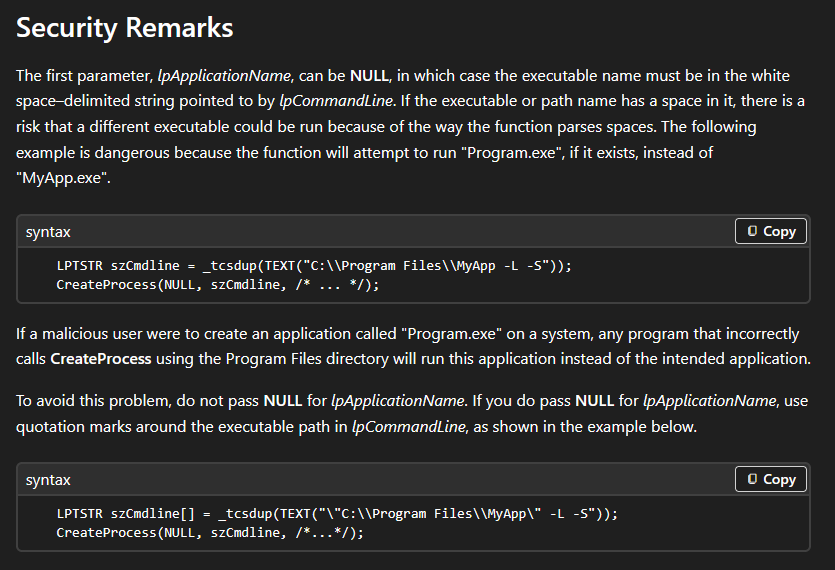
An example of this silliness can be seen in official Microsoft documentation. Windows has CreateProcessA and CreateProcessW (for reasons described above). In the examples from Microsoft they use LPTSTR (Long Pointer Transitional Character String) when using CreateProcess.
In the example, LPTSTR will resolve to either:
- CHAR* FilePath = 0;
or
- WCHAR* FilePath = 0;
Depending on compiler settings.
2
11
2,380
Before you ask, yes, I tried:
CODE_SIGN_IDENTITY = "iPhone Distribution";
Xcode ain't having it. Even though the profile contains that "iPhone Distribution" cert, signing still fails with:
> Provisioning profile X doesn't include signing certificate "Apple Distribution".
1
4
595
Full writeup here:
github.com/expo/eas-cli/issu…
1
7
593
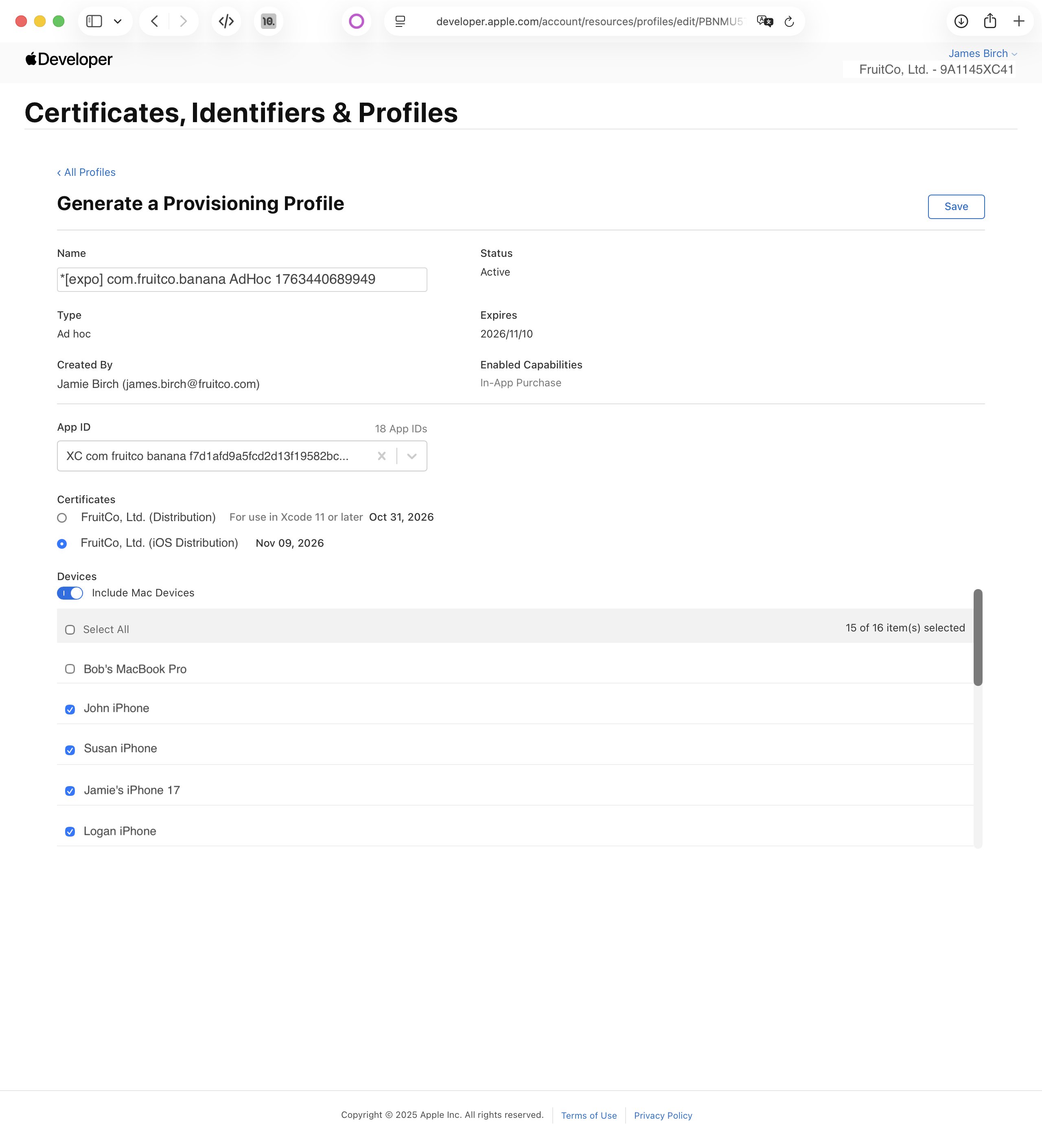
Today, I solved a codesigning issue that has perplexed over fifty Expo developers since 2022 💪
It seems that nowadays Xcode *really* doesn't like signing using a provisioning profile containing an "iOS Distribution" cert, and insists that you use the newer "Distribution" type.
1
3
49
4,165
I understand Apple codesigning so well right now and I need to write it all down before I forget it again
1
30
1,417

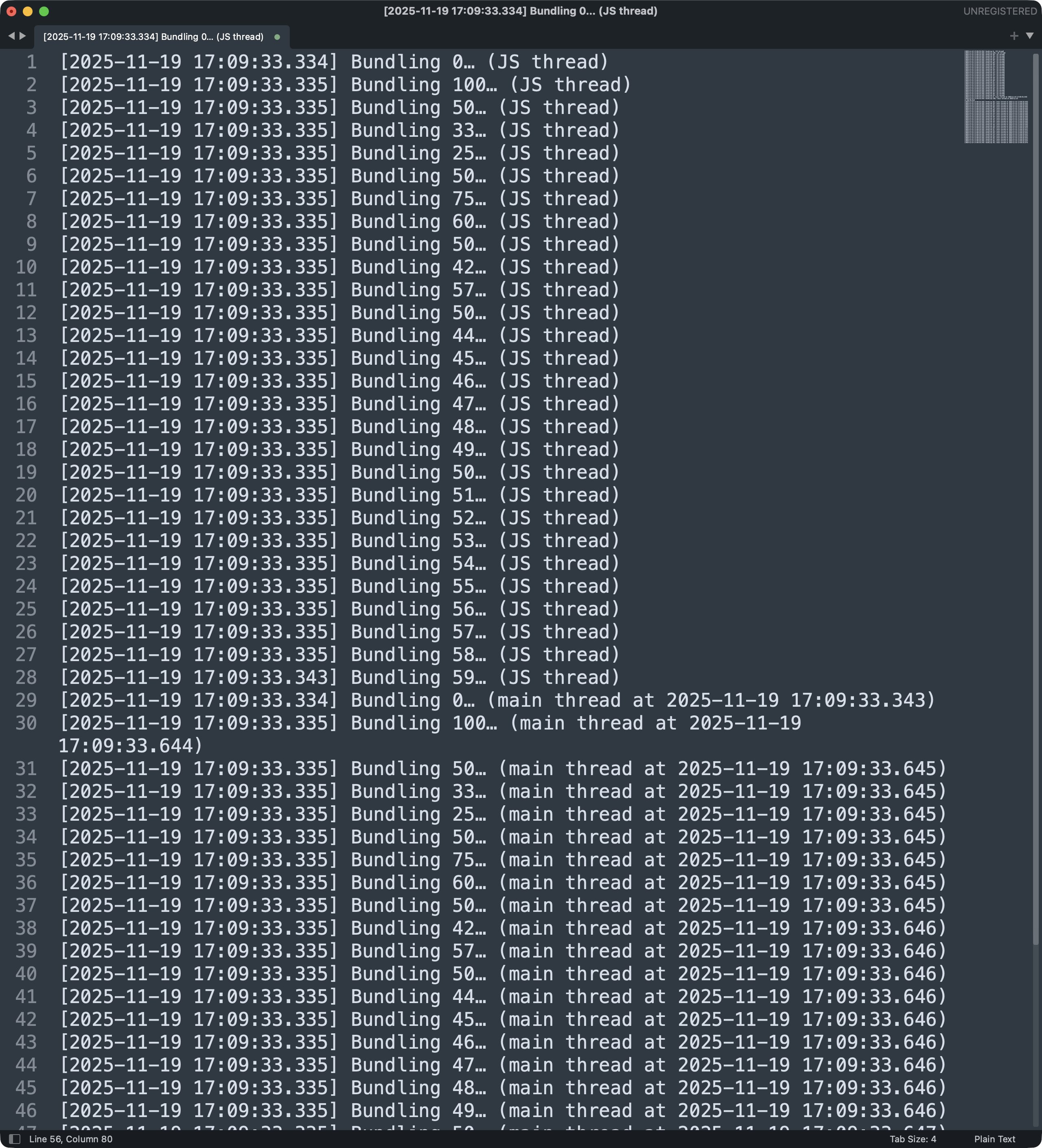
Some logs showing how Metro can bundle from 0% to 59% in the time it takes to jump from the React Native JS thread to the main thread (9 ms, though likely less in release mode with no debugger detached). I even saw 0% to 100% during other test runs.
Thread-hopping is expensive!
11
1,065