

Web development for the rest of us
pkg.devDependencies
- Tweets 1,314
- Following 2
- Followers 94,881
- Likes 606









Svelte retweeted

🎉🎉🎉
@sveltejs has added TypeScript support!
TS support was probably *the most* requested addition to Svelte and it's finally here - Svelte now comes with a TypeScript support out of the box🔥
Check out this quick @eggheadio lesson to get started! 👇
egghead.io/lessons/svelte-cr…
9
64
269

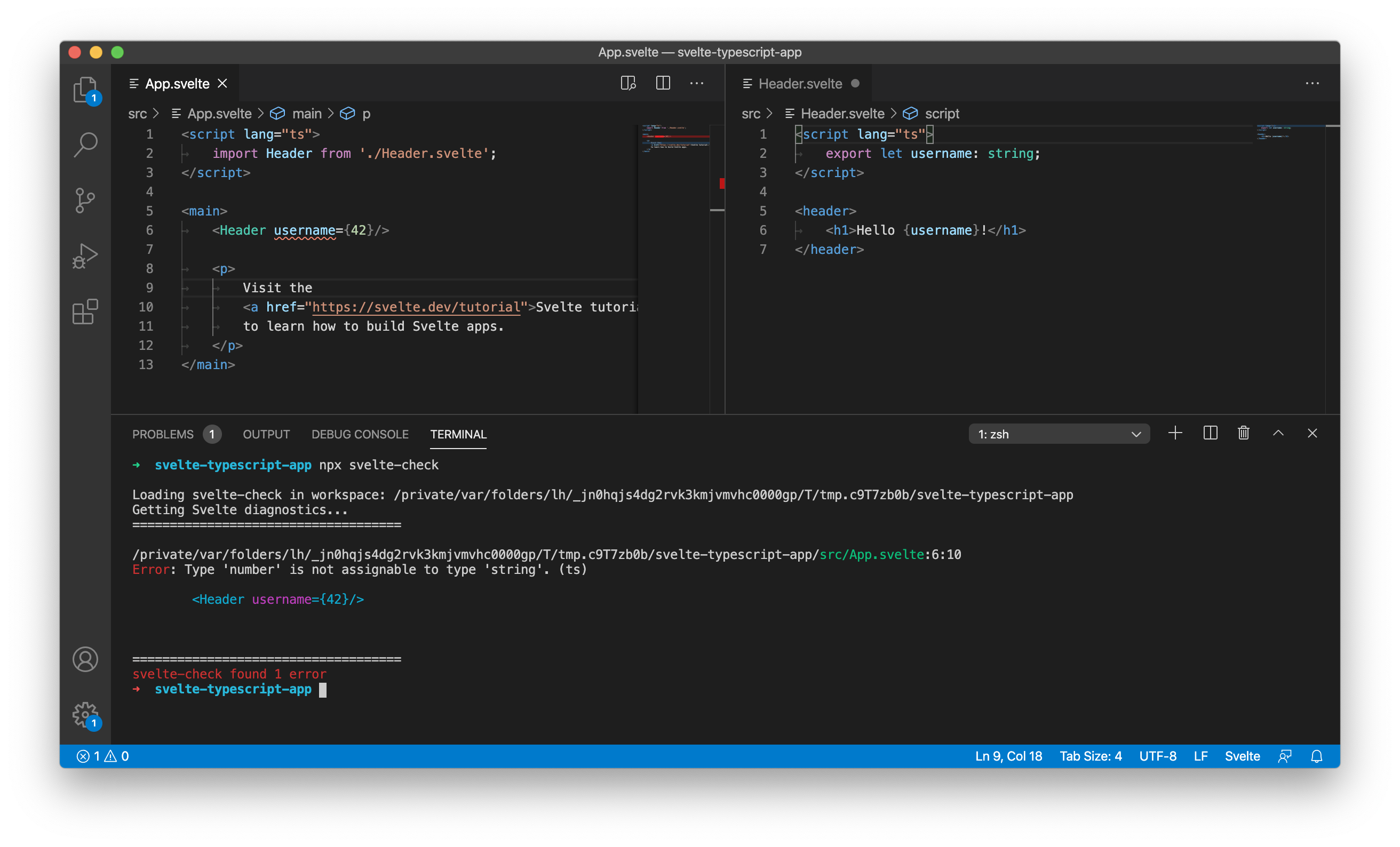
...and there's also a command line tool, svelte-check. it's pretty cool. if you've been holding off trying Svelte because you need TypeScript support, then, welcome to the party!
1
5
122
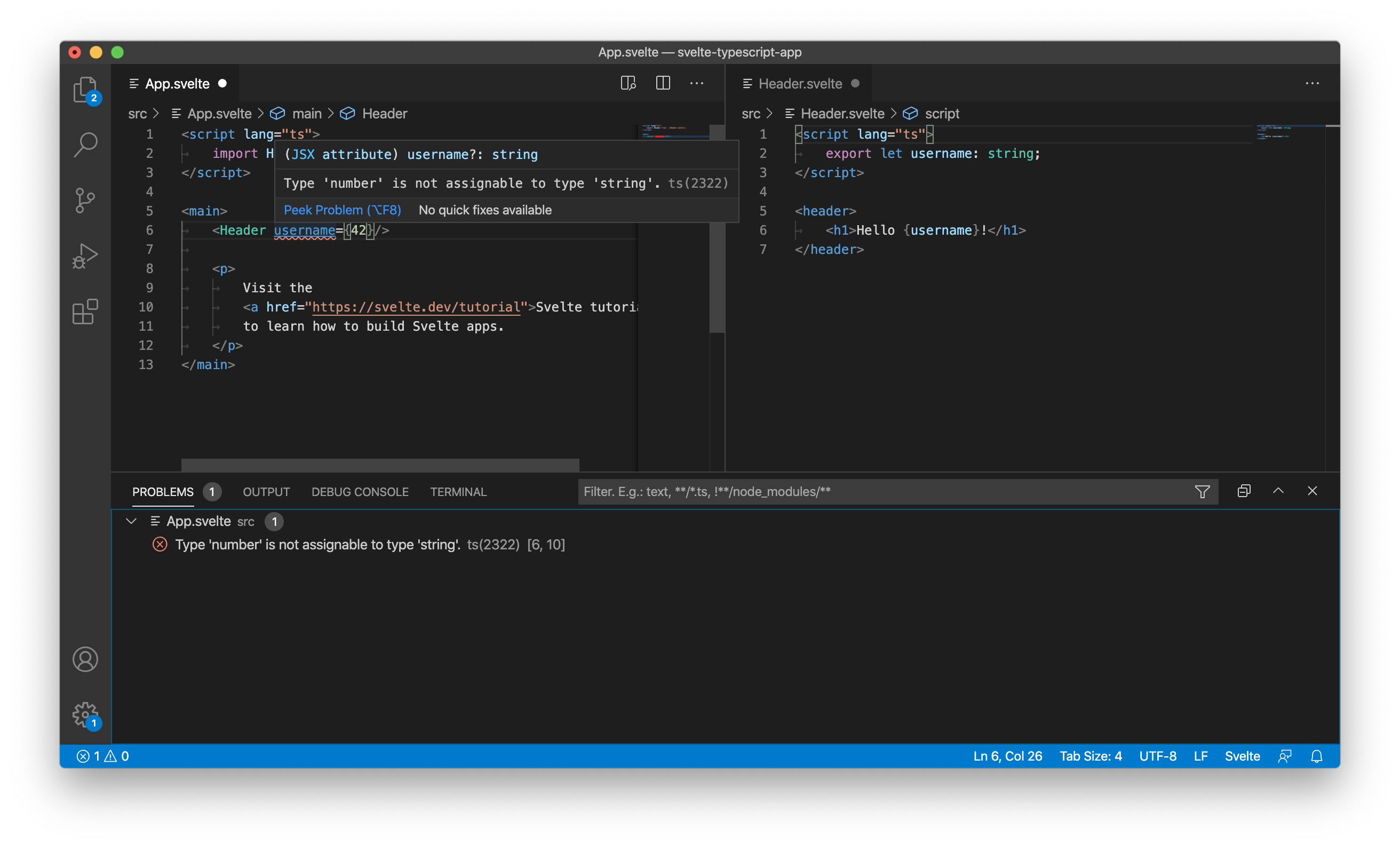
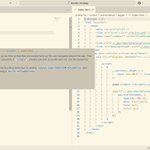
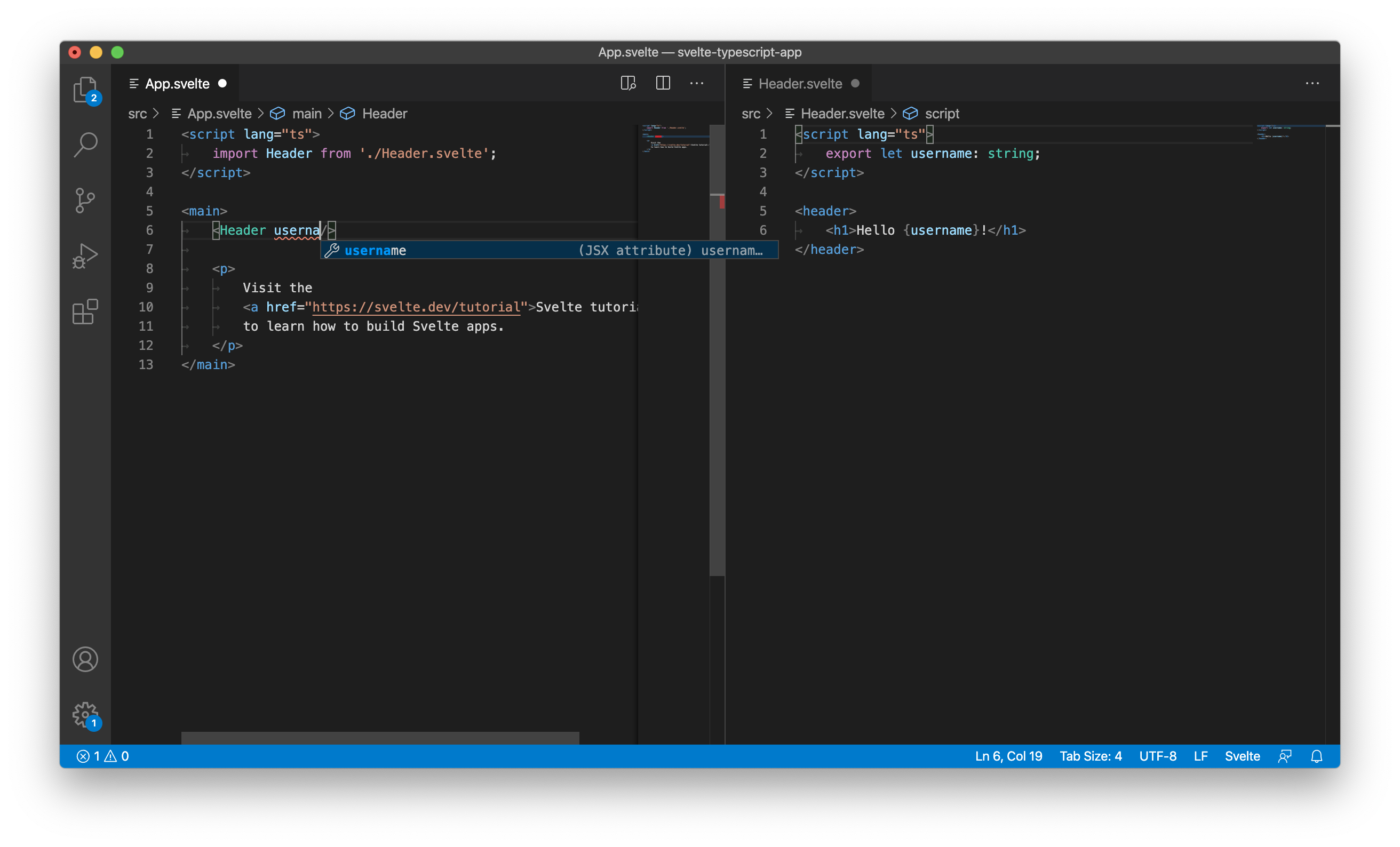
here's a few screenshots, using the new official VS Code extension (marketplace.visualstudio.com…). in this one, we've got TypeScript inside a <script> block, and autocomplete on an inline component:
1
3
73
ok, we've kept you in suspense long enough. we are absolutely cock-a-hoop to announce that Svelte now officially supports...
🎉🎉🎉 TYPESCRIPT!!! 🎉🎉🎉
svelte.dev/blog/svelte-and-t…
amazing, amazing work by @orta, dummdidumm, jasonlyu123, @UnwrittenFun, @halfnelson_au and @octref
50
666
2,333
Svelte retweeted

Here is a small IMDb movie comparison game where you can challenge your friends! inspired by @Rich_Harris 's cameoparison game. made with @sveltejs /sapper. @SvelteSociety
moviepare.vercel.app
6
7
47
Svelte retweeted

The redesign of the NEIL ROGERS website including the Soundboard uses @sveltejs and Sapper. No more bloated WordPress. After watching a video from @planetoftheweb on LinkedIn Learning, I had enough info to get started.
neilrogers.org
github.com/digitalcolony/sim…
1
3
16

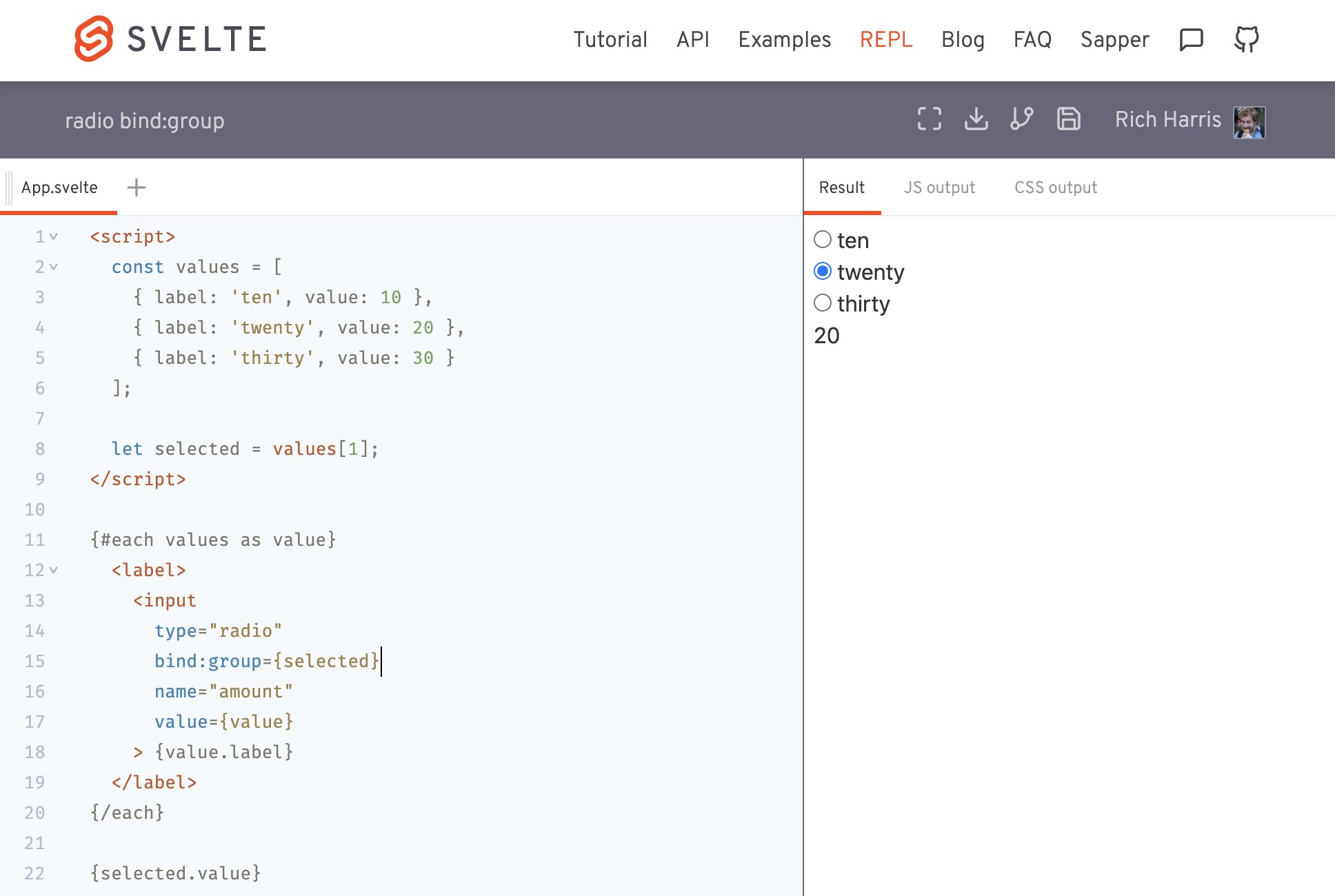
oh and you can use it to collect an array of values, if you're using a <select multiple> or a group of checkbox inputs: svelte.dev/repl/02eda4dbf106…

1
3
30


we have a major announcement coming soon (days? hours? tbd) and it's taking considerable self-discipline not to just blurt it out before everything is ready
78
69
833
the neat thing about this is that you can use any object as the value — if you use event.currentTarget.value in an event handler like *ahem* some frameworks force you to, the value has to be a string. Bindings are a smarter way to handle user input.
Demo: svelte.dev/repl/2b143322f242…

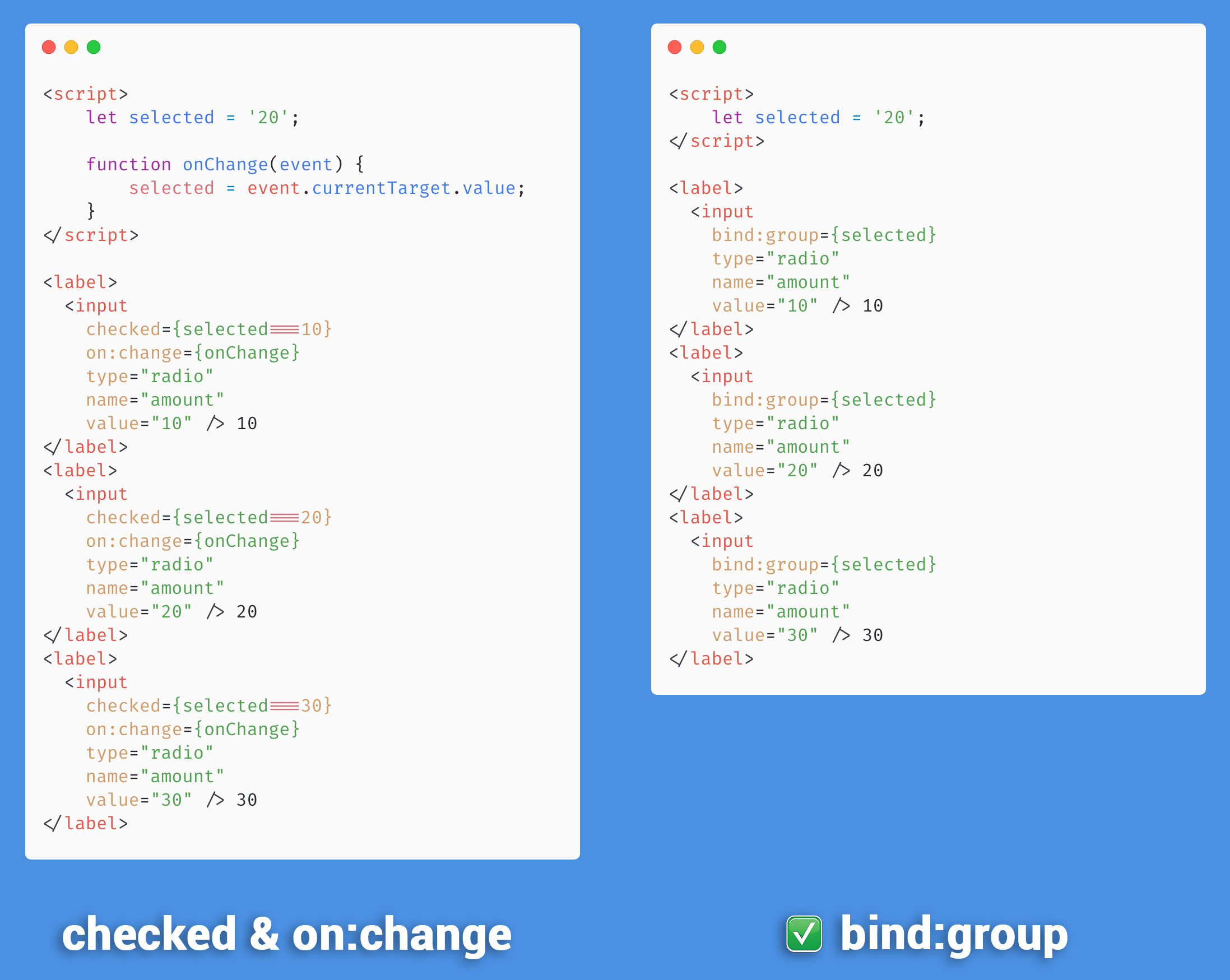
Instead of using `checked` and `on:change` to manage a group of radio buttons, use `bind:group` in @sveltejs ✨
REPL: svelte.dev/repl/6f19b2ff4106…
3
9
89
Svelte retweeted

Awesome @sveltejs side project from @Postlight!
textmoji.app
you can listen to Preston discuss the tech stack here: postlight.com/podcast/textmo…
nice work!!
1
4
25
Svelte retweeted

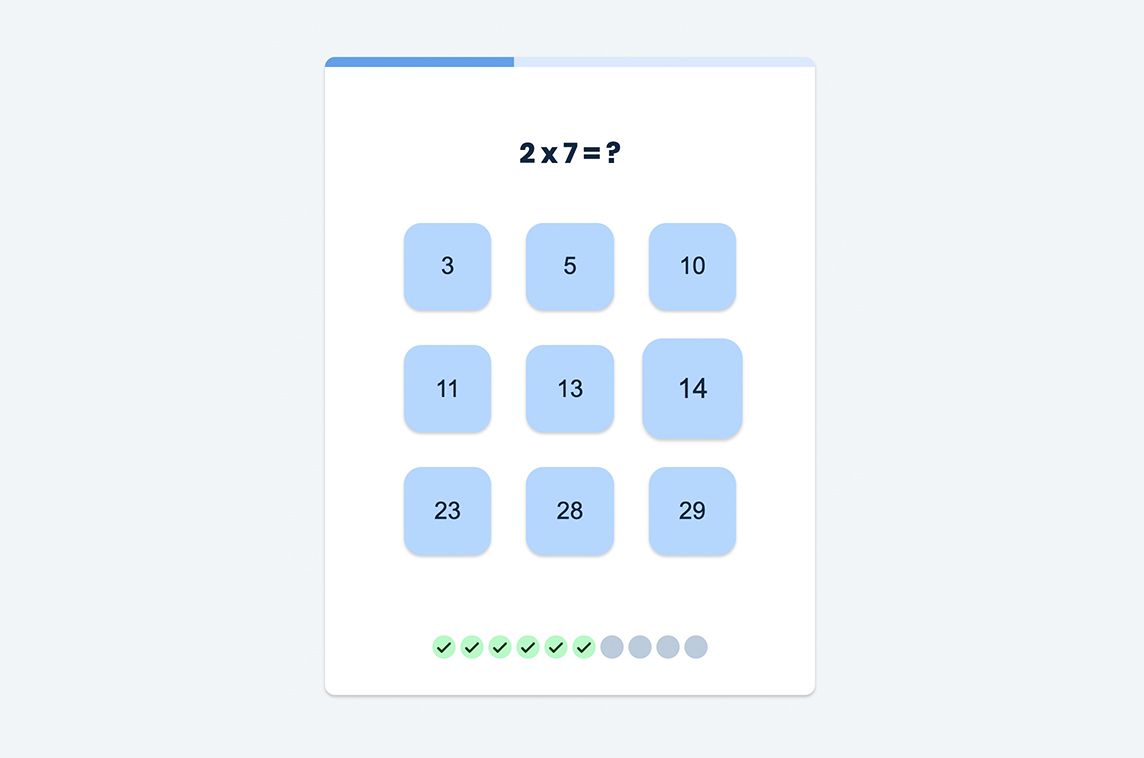
Tafels.app is a simple game to teach kids basic math #madewithsvelte & Sapper 🤓 - madewithsvelte.com/tafelsapp
6
31
Svelte retweeted

You can use @sveltejs crossfade to transition item from 1 layout to another, and the visual result is amazing 😍
Checkout the REPL:
svelte.dev/repl/a7af336f906c…
Or I am gonna show you how to do it in 4️⃣ steps 👇👇👇
10
74
419
Svelte retweeted
Parlez-vous français?
Parlez-vous @Sveltejs?
CFPs are open for @SvelteSocietyFr Day in September! 👇
6
14
Svelte retweeted

Introducing...
🥖👩🍳🥓
svelte.recipes
🥗👩🍳🍝
I noticed that I was curating "recipes" for @sveltejs apps, and cooked up a home for them to live. Just a few so far, but I have lot that I want to add.
12
127
676