
Industry standard frontend workshop. Develop, test, and document components with ease. Open-source & maintained by @chromaticcom
- Tweets 7,014
- Following 393
- Followers 25,683
- Likes 6,645















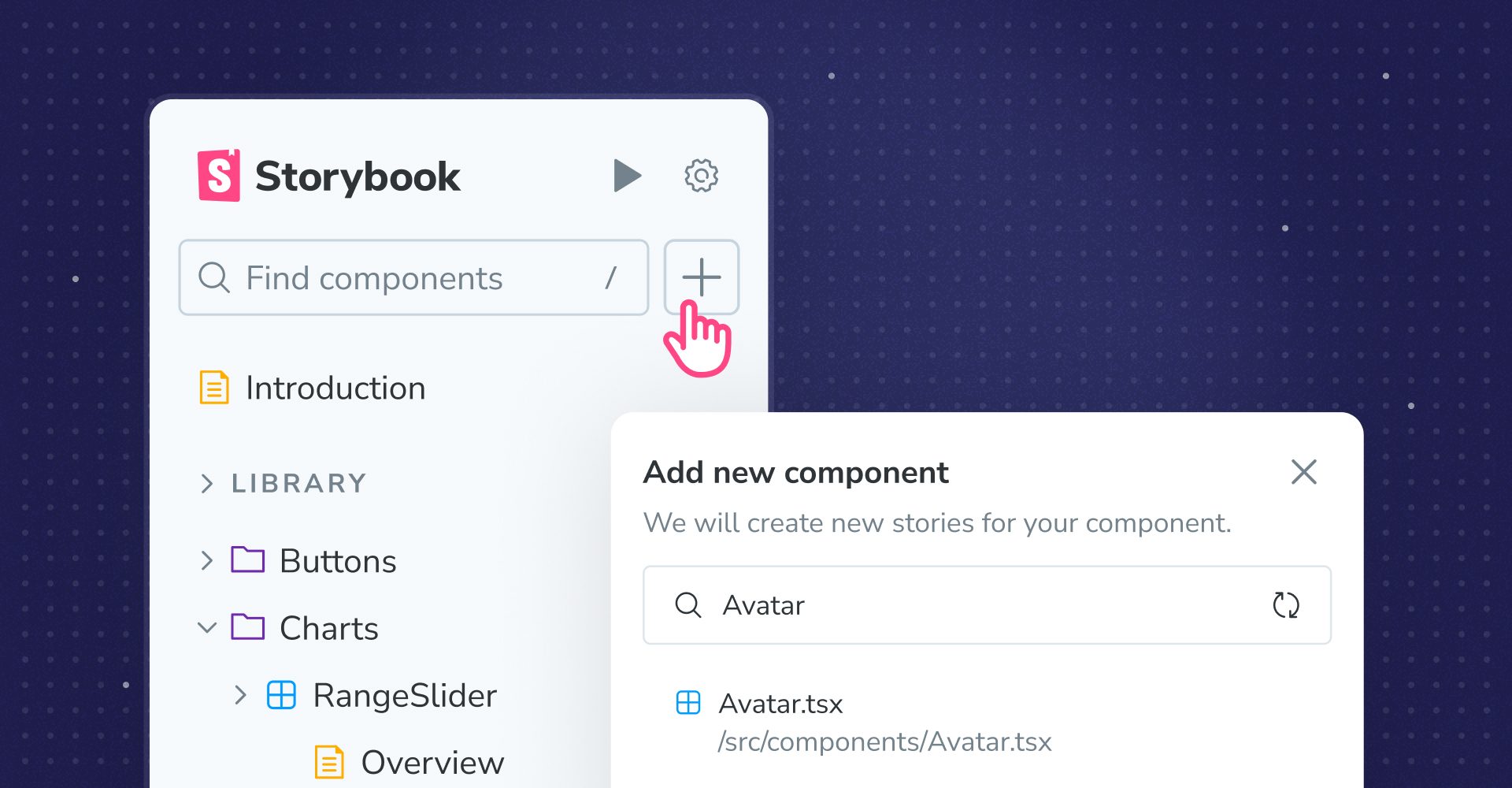
ALT The Storybook sidebar with a cursor on the + button and the "Add new component" modal with "Avatar" being searched for


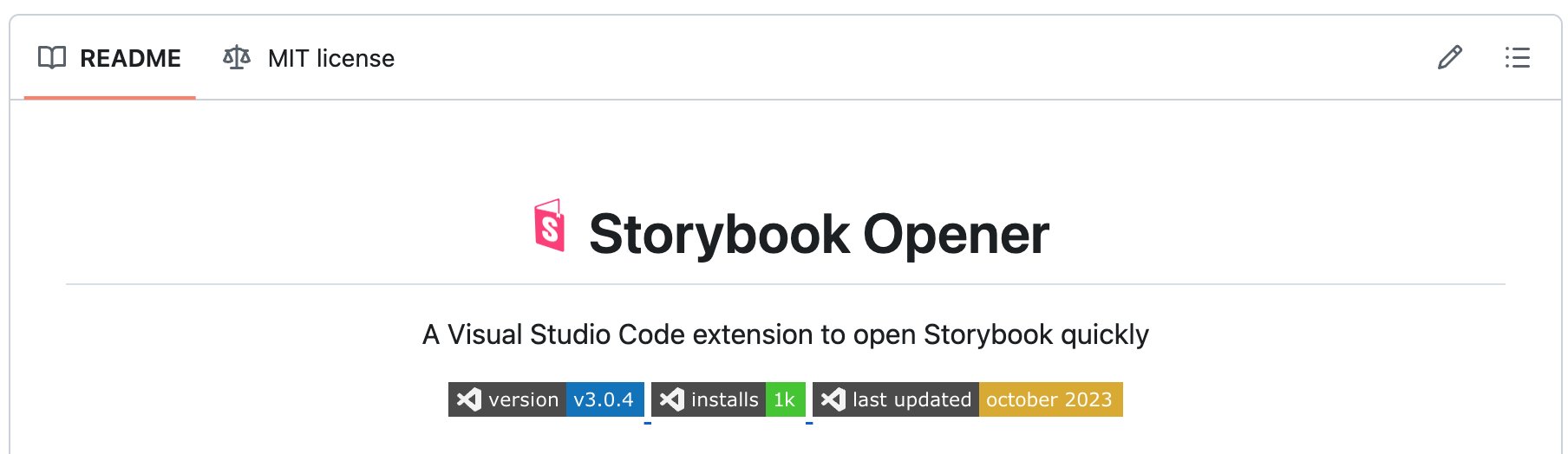
ALT Screenshot of Storybook Opener README that has "intalls: 1k" badge




ALT A meme template with 3 rows. 1: Module mocking in Storybook, with a photo of Vince McMayon sitting in a chair with an intrigued look on his face. 2: It's type-safe, with a close up of Vince's face, now with a shocked, delighted expression. 3: It's built on Node standards, with Vince fully leaning back in his chair, mouth agape
![A file named Dashboard.stories.ts, where the most relevant code is:
// 👇 Import the mock file explicitly, as that will make
// TypeScript understand that these exports are the mock functions
import { getDashboardLayout } from '#lib/settings.mock'
const meta = {
component: Dashboard,
} satisfies Meta<typeof Dashboard>;
export default meta;
type Story = StoryObj<typeof meta>;
export const Empty: Story = {
beforeEach: () => {
// 👇 Mock return an empty layout
getDashboardLayout.mockReturnValue([]);
},
play: async ({ canvasElement }) => {
const canvas = within(canvasElement);
// 👇 Expect the UI to prompt when the dashboard is empty
await expect(canvas).toHaveTextContent('Configure your dashboard');
// 👇 Assert directly on the mock function that it was called as expected
expect(getDashboardLayout).toHaveBeenCalled();
},
};](/pic/orig/media%2FGO10yFuWkAAWpIx.jpg)
ALT A file named Dashboard.stories.ts, where the most relevant code is: // 👇 Import the mock file explicitly, as that will make // TypeScript understand that these exports are the mock functions import { getDashboardLayout } from '#lib/settings.mock' const meta = { component: Dashboard, } satisfies Meta<typeof Dashboard>; export default meta; type Story = StoryObj<typeof meta>; export const Empty: Story = { beforeEach: () => { // 👇 Mock return an empty layout getDashboardLayout.mockReturnValue([]); }, play: async ({ canvasElement }) => { const canvas = within(canvasElement); // 👇 Expect the UI to prompt when the dashboard is empty await expect(canvas).toHaveTextContent('Configure your dashboard'); // 👇 Assert directly on the mock function that it was called as expected expect(getDashboardLayout).toHaveBeenCalled(); }, };
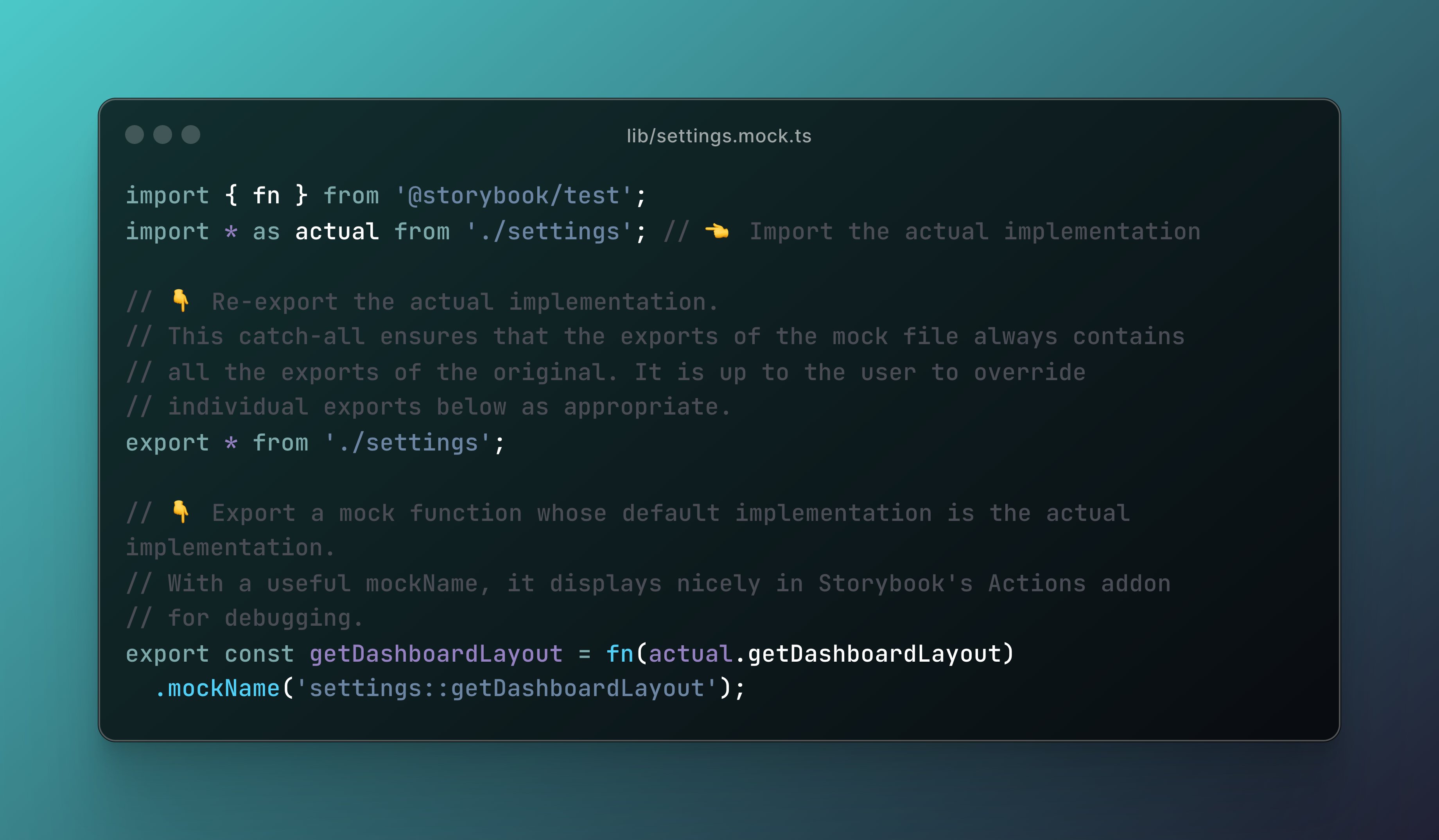
ALT A file named settings.mock.ts, containing the code: import { fn } from '@storybook/test'; import * as actual from './settings'; // 👈 Import the actual implementation // 👇 Re-export the actual implementation. // This catch-all ensures that the exports of the mock file always contains // all the exports of the original. It is up to the user to override // individual exports below as appropriate. export * from './settings'; // 👇 Export a mock function whose default implementation is the actual implementation. // With a useful mockName, it displays nicely in Storybook's Actions addon // for debugging. export const getDashboardLayout = fn(actual.getDashboardLayout) .mockName('settings::getDashboardLayout');
![A portion of the package.json file, containing the code:
{
"imports": {
"#lib/settings": {
"storybook": "./lib/settings.mock.ts",
"default": "./lib/settings.ts"
},
"#*": [ // fallback for non-mocked absolute imports
"./*",
"./*.ts",
"./*.tsx"
]
}
}](/pic/orig/media%2FGO10D_9XEAIKT6D.jpg)
ALT A portion of the package.json file, containing the code: { "imports": { "#lib/settings": { "storybook": "./lib/settings.mock.ts", "default": "./lib/settings.ts" }, "#*": [ // fallback for non-mocked absolute imports "./*", "./*.ts", "./*.tsx" ] } }
ALT A meme template with 3 rows. 1: Module mocking in Storybook, with a photo of Vince McMayon sitting in a chair with an intrigued look on his face. 2: It's type-safe, with a close up of Vince's face, now with a shocked, delighted expression. 3: It's built on Node standards, with Vince fully leaning back in his chair, mouth agape

ALT Revolutionizing UI Development with Chromatic and StackBlitz. Presented by Tomek Sułkowski and Kyle Gach