

Simple JavaScript animation libraries for delightful interfaces. Created by @mattgperry.
London, England
- Tweets 1,671
- Following 92
- Followers 2,388
- Likes 1,479





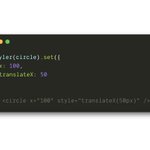
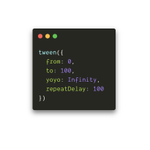

Its even got a super-simple spin on Vue's `transition` component with the `PoseTransition` component.
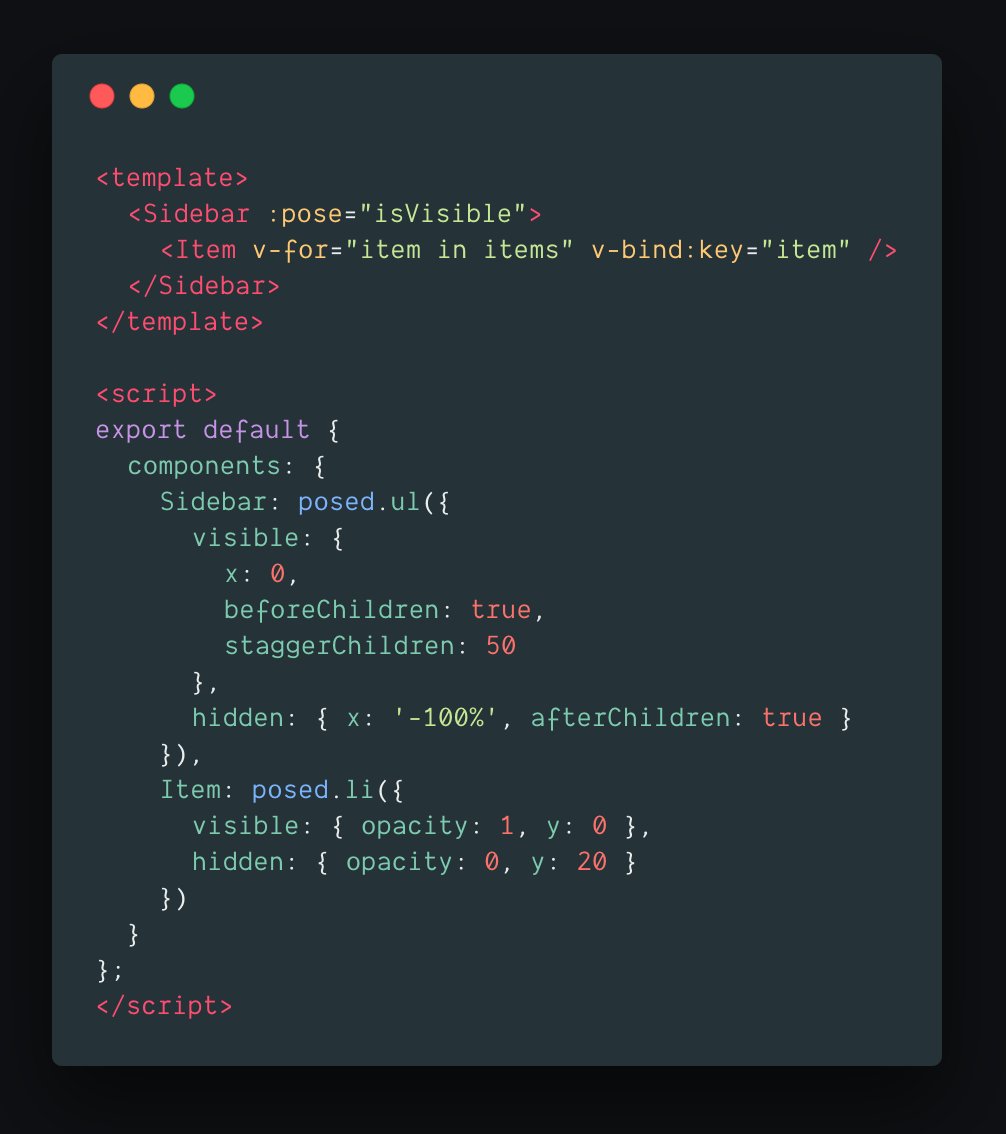
When you add or remove elements from the DOM, they animate in and out. Those enter/exit poses propagate throughout all the children:
2
6
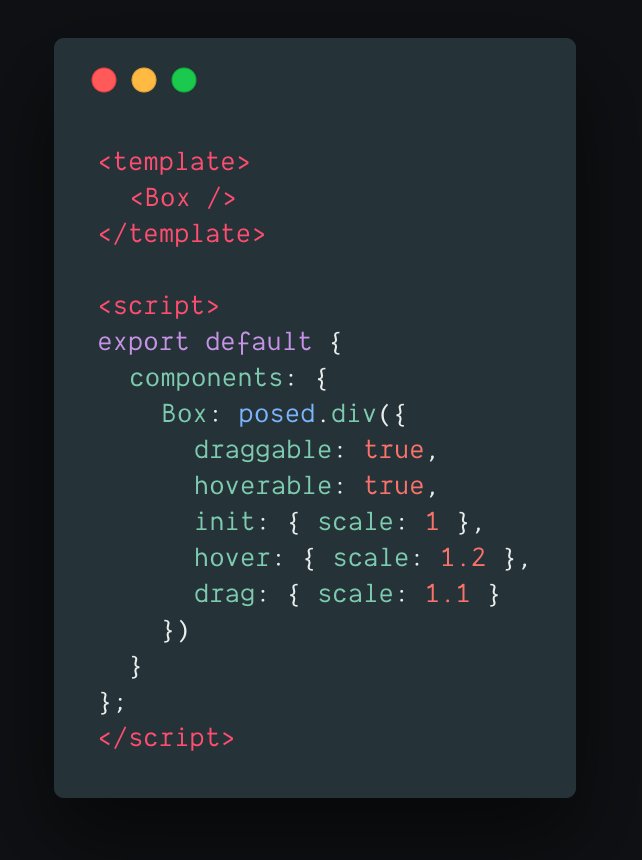
Making a component animate with spring physics based on pointer commands is as simple as ever. Just throw in a few props:
1
2
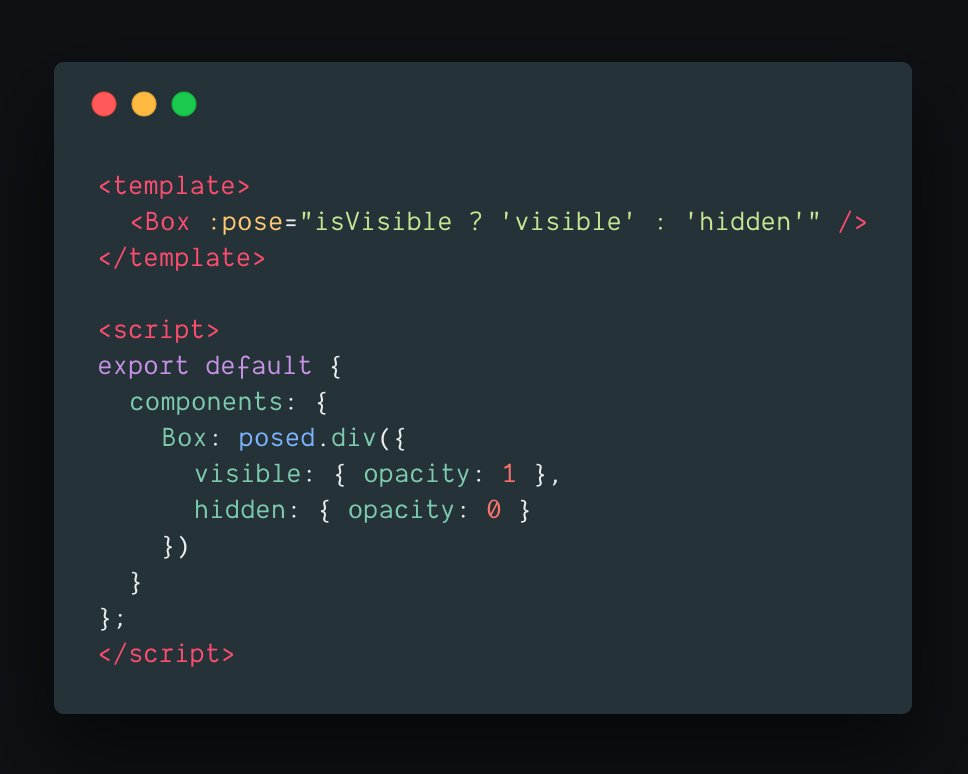
The syntax is pretty similar to Pose for React. You create posed components and hand them a CSS-like declarative config.
Then, by changing the `pose` prop, they magically animate!
1
1
6
🚀 Introducing Pose for Vue!
I know some of you are fans of Vue so hopefully this will make it seamless to incorporate Pose into your Vue projects.
Read the full details here: popmotion.io/blog/20180904-i… or check the incoming Tweet storm
7
62
223
We've just had our first contribution via @opencollect! Thanks @sebastiansoft
opencollective.com/popmotion
1
1
1
The first time I've watched myself give one of these. Not *quite* as cringe as I'd worried (but close 😅)
youtube.com/watch?v=BSbVB14r…
Thanks to @jsmonthlylondon for having me and @pusher for filming!
1
3
14

Popmotion retweeted

A short demo from day 1 of using @Framer X, combining it with @popmotionjs - it still feels rough but you can already see the huge potential.
I'm super excited about this project, it's def a step in the right direction - merging design and dev.
#framerX
3
22
Wow when this bug bites it really takes a lick github.com/Popmotion/popmoti…

Yay, Edge is fixing requestAnimationFrame so schedules correctly! developer.microsoft.com/en-u…
No sign of life in the Safari bug yet ☹️ bugs.webkit.org/show_bug.cgi….
1
🎉 Pose 3.2.1: It's not possible to detect mouse events outside the browser window, but thanks to an issue raised by @maximelebreton we do the next best thing.
If the mouse is released outside of the browser window, dragging and pressing will end once it re-enters the window.
2
2
33
🚀 Pose 3.2 adds new onPressStart/onPressEnd event handlers.
Sounds really bloody mundane I agree, but actually this solves the ol' onMouseUp problem when your pointer is released outside of the bound element.
2
19
113
Pose is built to be independent of framework, render target, or animation library.
But 95% of people consume it via React 🤔. The docs and messaging are going to be reorientated around this realisation while I find a different way to pitch vanilla.
2
8
40
A recap of the Pose 3.1 announcements, as well as a few words about what Popmotion will focus on in the coming weeks
popmotion.io/blog/20180829-p…
1
9
You can even animate width and height to/from "auto"!
codesandbox.io/s/pwk5yq8pzx
@kentcdodds I think this would have helped with your accordion demo
5
7
64
This isn't a trick, your element is set to the value you set it to, so it responds to changes in screen size and layout. Here's the above in motion:
codesandbox.io/s/k3qx6p3r55
1
1
17