

We make code verification tools for humans and agents reactbench.com react.doctor
San Francisco, CA
- Tweets 549
- Following 2
- Followers 9,609
- Likes 4,816





Million retweeted

Introducing React Grab:
Select an element → give it to AI as context → make a change to your page
Try it now - it's open source!
133
230
3,442
439,614
Million retweeted
i'm launching a small (big) thing tomorrow
i learned a lot from building react scan. in browser devtools need to be:
minimal (to install + use, aren't annoying)
high utility (within the hot path of the workflow)
my next small ship will play into these
15
7
511
64,816
Million retweeted
introducing Ami
comment on the page → make a change to your app
448
317
7,180
1,194,783
Million retweeted
this AI app can convert websites into studio ghibli
here's Twitter:
38
34
689
83,232
We have one remaining known bug in notifications where keyboard input events are periodically reported much higher than they are in reality- we are working on a fix for that
5
3,545
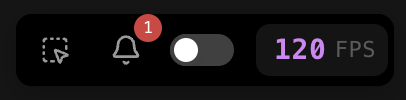
If you noticed React Scan showed a lot of FPS drops, but you didn't feel any slowdown, that is fixed in react-scan@0.3.3
Every time HMR was triggered when the tab was not focused, our internal logic would incorrectly track that as an FPS drop
1
1
18
5,330
github.com/aidenybai/react-s…
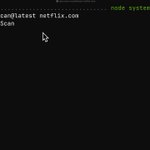
you can try the latest release on your project in <10s with the CLI:
npx react-scan@latest <url>
6
1,617
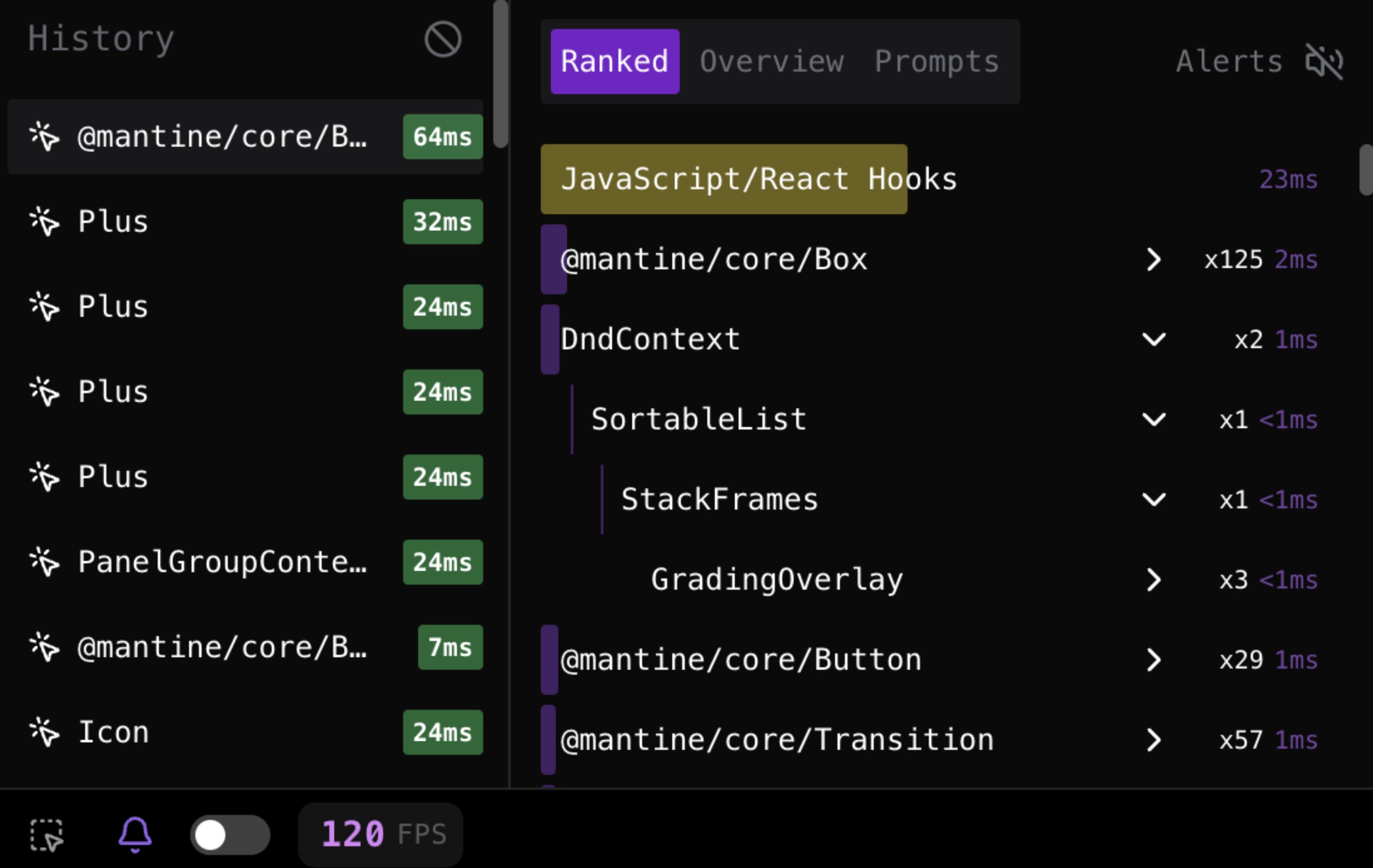
New in React Scan v0.3
- View who rendered a component inside the notifications visualization by expanding it
- Fixes a bug causing incorrect "whats changed" values to be reported when selecting a component
- Toolbar slowdown notification count is now cleared after you view them
- Fixes a bug that caused the toolbar to be blurry at times
Full release notes in thread ->
1
4
29
3,240
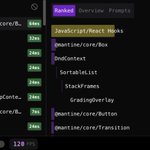
In the next version of React Scan:
View the parents of rendered components in the notifications view
18
3,965
Million retweeted
Introducing Same.dev
Clone any website with pixel perfect accuracy
One-shots Nike, Apple TV, Minecraft, and more!
885
1,399
18,406
7,229,922
Million retweeted

This update ships with the first version of react-scan integration. For now we only use it to visualize renders. When you enable "Outline Renders" option you'll start seeing the indicators of React renders on top of the app.
1
1
11
1,593
Can't figure out why a component is re-rendering?
React Scan can tell you exactly what caused the re-render after selecting it
7
867
How do you actually fix slow renders after you know about them?
React Scan notifications tells you which props, state, and context caused a component to re-render
If you stop those from changing, and memoize the component, it wont re-render
1
2
66
3,803
Million retweeted

If you're building a React app and haven't used React Scan (by @aidenybai): PLEASE DO.
Refactored the @avelinHQ codebase to prevent a plethora of unnecessary renders.
Much smoother now. 💪
🧵 Keep reading for specifics:
2
2
75
11,286