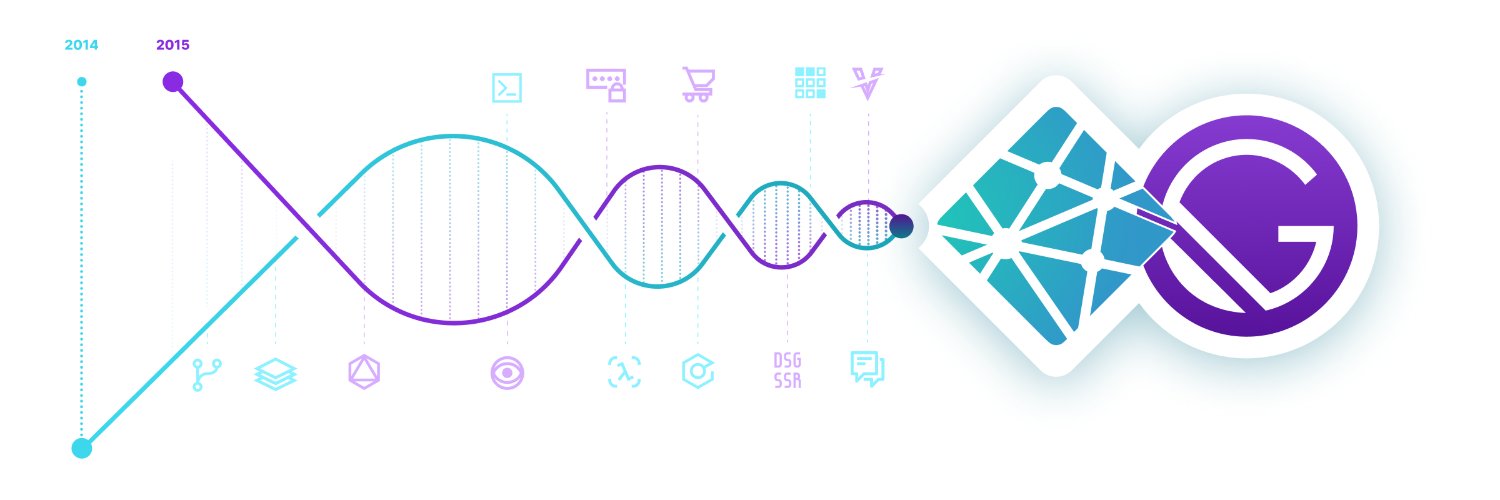

Build, preview, and deploy dynamic web experiences with performance that scales. Sign up now: gatsbyjs.com/dashboard/sign…
The Internet
- Tweets 11,277
- Following 105
- Followers 65,780
- Likes 19,301











😄 Ready to win more organic traffic?
(Hint: There's only one right answer.)
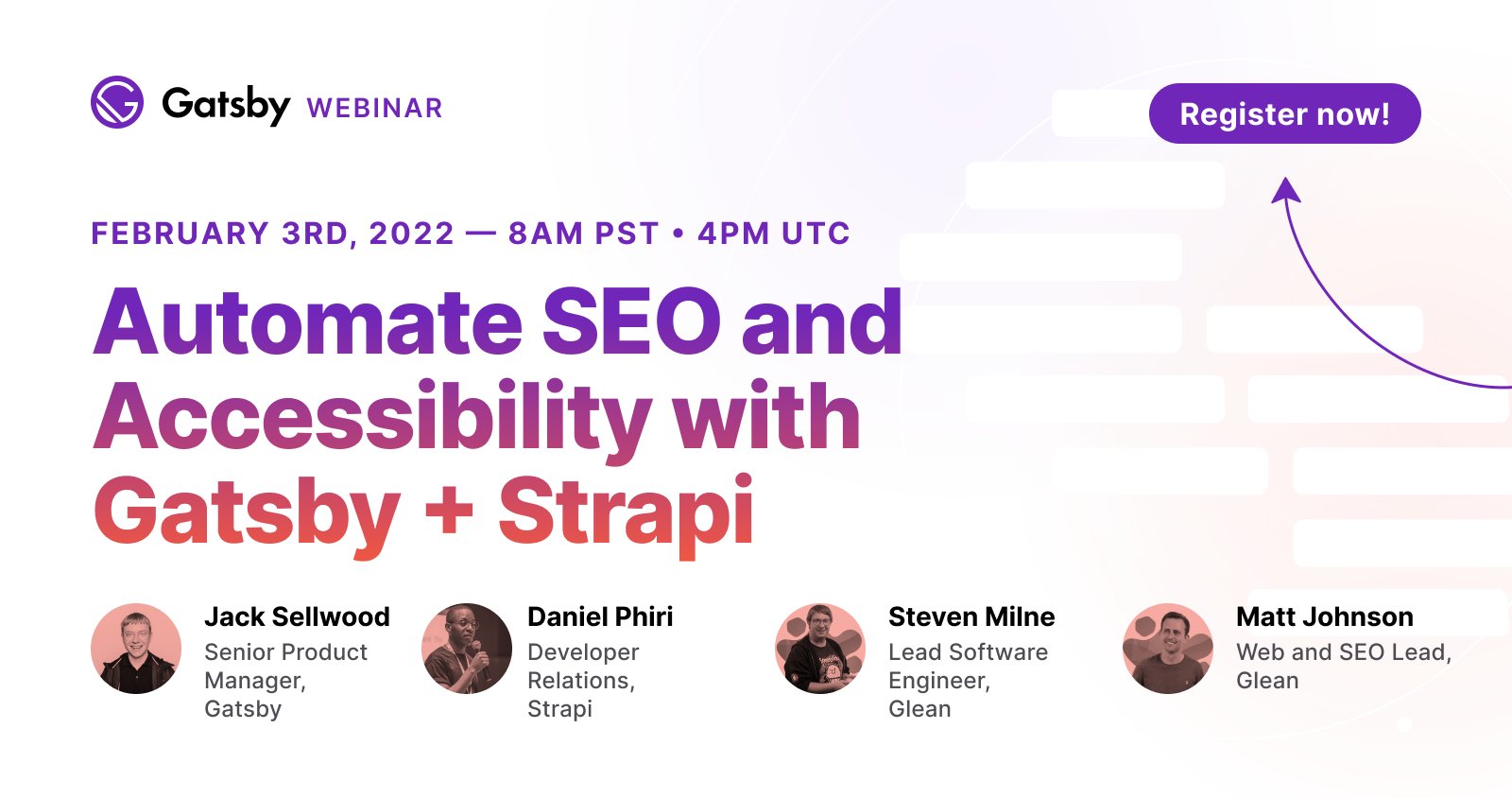
Along with @sellwood_jack, @malgamves, @DrunkOnPancakes, and @MattJ155 are going to show how to automate and validate SEO and accessibility best practices live tomorrow — Join us!

Glean grew organic traffic by 60% with @GatsbyJS + #Strapi ✨
This Thursday, learn how to automate and validate SEO and accessibility best practices and win more traffic like @GleanNotes
🗓Thursday, Feb 3rd
🕰8AM PT - 5PM CET - 4PM UTC
strp.cc/3AM46mx
3
15
Rebuilding your company’s website is a complex project. To reduce the risk of shifting to a new tech stack, many teams build a "proof of concept" (PoC) first.
Here's what we’ve learned from working with hundreds of teams building out Gatsby PoCs:
gatsbyjs.com/blog/building-a…
4
19
"Gatsby Cloud won the race showing the best in class performance build time."
🚀

Have you ever wondered which static website hosting platform has the shortest build time for a Gatsby project? I bought paid plans on @vercel @GatsbyJS @Netlify @Cloudflare @awscloud to find out.
dev.to/alex_barashkov/measur…
3
18
🏆 The Gatsby Best of 2021 Agency Awards are open to all agencies — of any size — that used the Gatsby framework and/or Gatsby Cloud to launch or update client websites in 2021.
⏲️ Get the details on the five categories (and prizes) — Just be sure to enter by 11:59pm PT tonight!

Last day to enter! Work for an agency that used @GatsbyJS to build client websites in 2021? You have until 11:59pm PT tonight to enter the Gatsby Best of 2021 Agency Awards.🏆Follow link below for entry form and prize info: gatsbyjs.com/blog/introducin… #GatsbyJS #webdev #webdeveloper
2
10

Gatsby retweeted

Read our latest guide on creating faster, more meaningful web experiences with Gatsby. #webdevelopment #UX #web #webspeed #CTO #websiteperformance - fre.gg/3u9tnpk
1
3
9
10/ A platform optimized for the content web.
About 40% of all active Gatsby sites, and over 80% of Gatsby Cloud customers, have a CMS.
We’re focused on building the best & fastest frontend for the headless web.
3
9/ Faster preview speed.
We’ve optimized Gatsby Cloud for build speed. Nowhere is this more obvious than in preview build speed.
We’ve worked with customers whose content preview took minutes to update on other build & deploy platforms – but seconds on Gatsby Cloud.
1
4
8/ Faster content feedback loops.
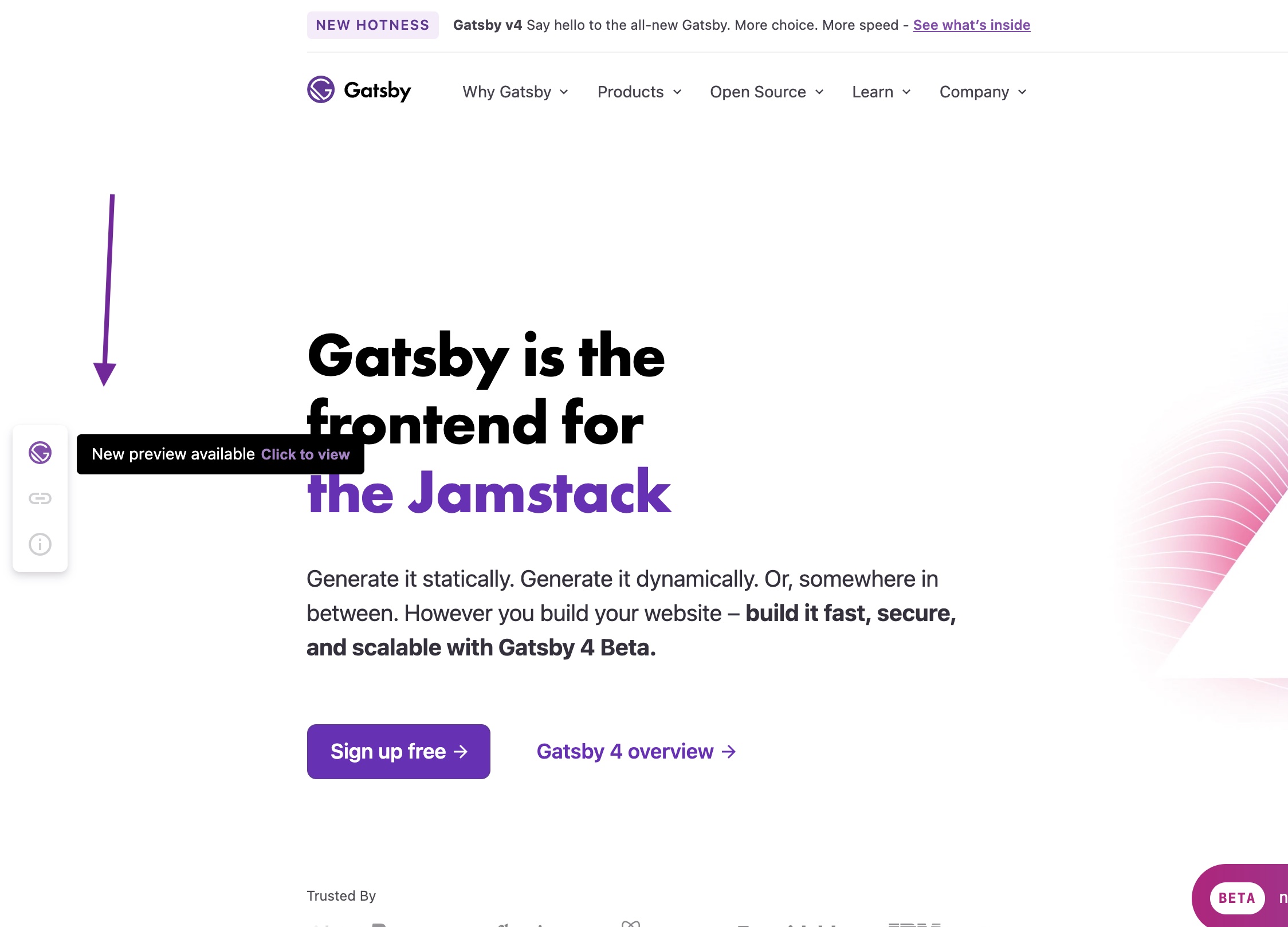
With Content Sync, when you click the Open Preview button in your CMS, you go straight to the page your content is on (not the homepage).
And when you get there, the Preview Status Indicator shows if your update is live or still processing.
1
3
7/ Automatically provisioned staging environment.
Staging environments are valuable, but complex to maintain and to keep in sync with prod.
So where other platforms require you to create & maintain a staging environment for each site, with Gatsby Cloud, we do that for you.
1
3
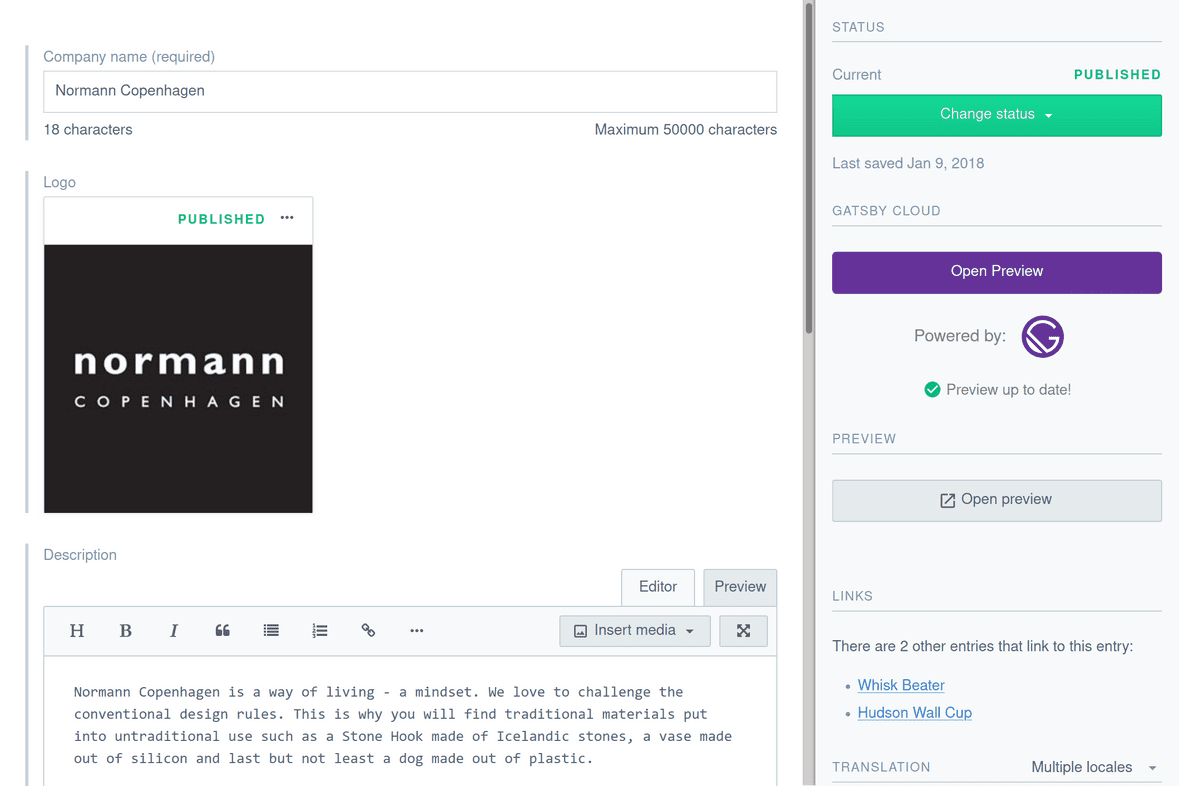
6/ In-CMS Preview Widgets.
For CMSs like Contentful and Dato that support custom widgets within their UI, Quick Connect will auto-install and configure a Gatsby Cloud widget, so users can easily access their preview environment from within the CMS.
Here it is in Contentful:
1
3
5/ Quick Connect, which streamlines the process of connecting your CMS to Gatsby Cloud; auto-entering your space ID, API key, and correctly configuring webhooks.
support.gatsbyjs.com/hc/en-u…
1
3
4/ We launched content preview three years ago specifically because we wanted to optimize the Gatsby content experience.
Here are some of the features we built into Gatsby Cloud's CMS Preview:
1
3
3/ For some teams, content preview is absolutely essential. For example, when your site:
- has many less-experienced CMS users (eg university websites)
- produces large volumes of content (SEO campaigns)
- has frequent edits on high-traffic pages (news sites)
1
3
2/ When do you want a content staging environment?
For small changes on low-traffic pages, you can probably just publish changes instead (and revert if necessary).
But content editors may want to use a preview workflow when editing high-traffic pages, or for complex changes.
1
4
1/ You can think about Gatsby Cloud’s CMS Preview as an automatic staging environment for draft content. When content editors can easily review changes, they are more productive.
1
4
When you’re building a website backed by a headless CMS, a key part of your success is the day-to-day experience of content editors.
We built CMS Preview into Gatsby Cloud & believe it’s a better experience than other Jamstack platforms:
gatsbyjs.com/blog/how-cms-pr…
2
4
31
Gatsby retweeted
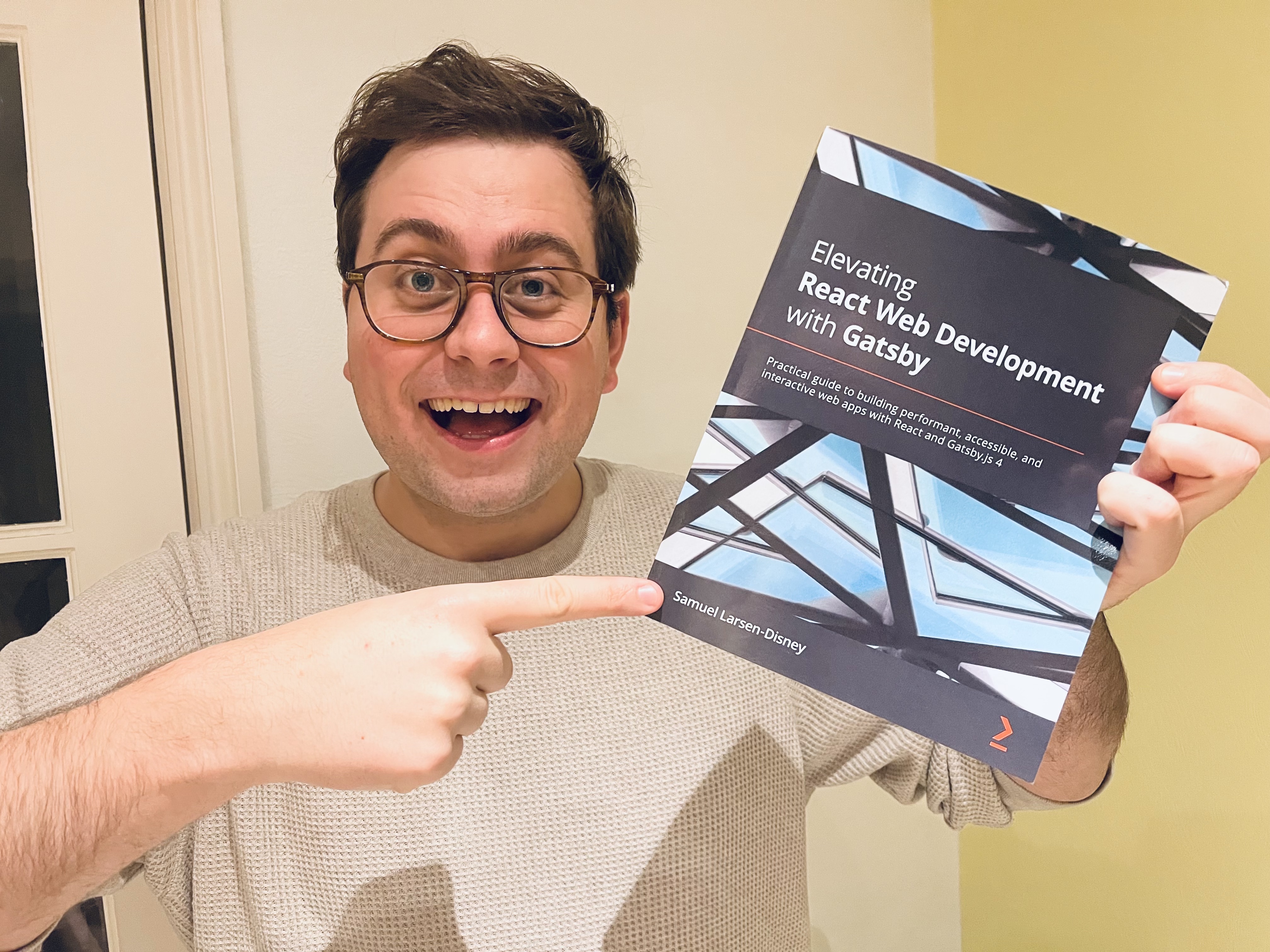
Ten months and close to three hundred pages later, my book all about Gatbsy.js is complete! You can check it out here if you are interested:
📚: amzn.to/32Hb53y
4
3
70